Artist, medium & provenance fields
Custom fields for exactly the attributes your gallery tracks — including URL fields to link out to sale records or catalogs raisonnés.
Artist, medium, dimensions, edition, provenance, sale history — a gallery's records carry more than a title and a shelf mark. Librygo's custom fields hold all of it, images stay front and center, and a branded portal lets the right audience browse the collection.
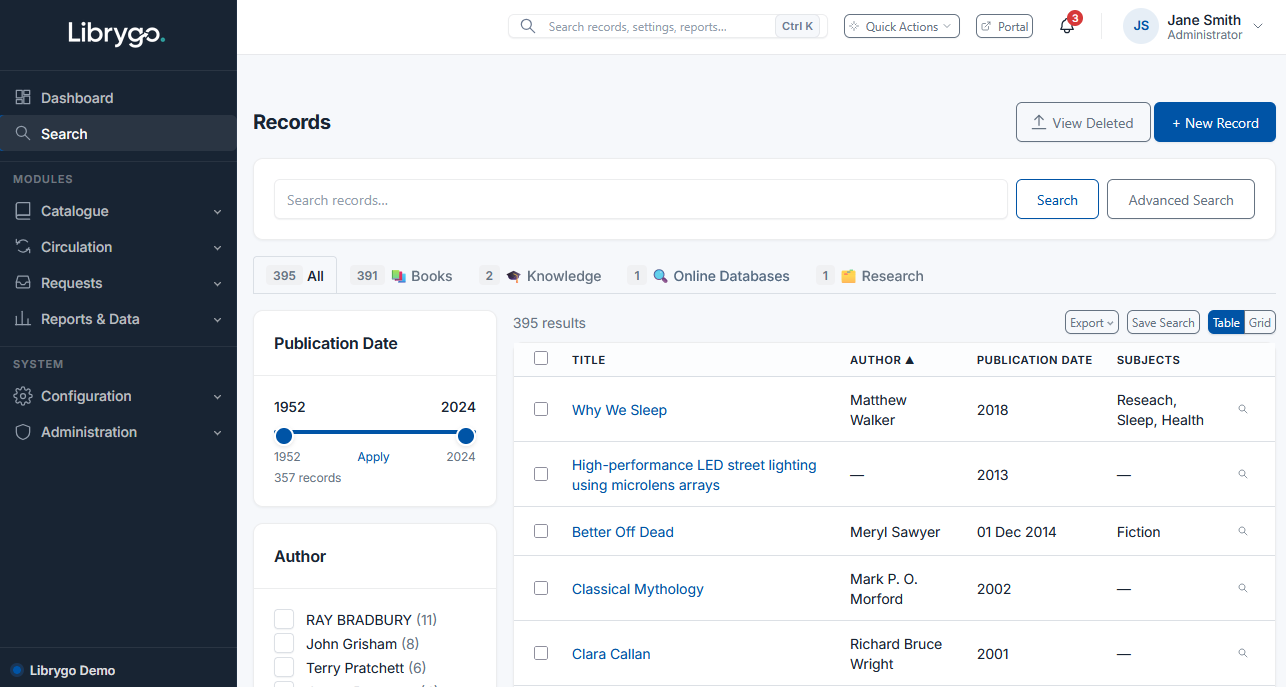
Filter and search by artist, medium, period, or any custom field you've defined, with relevance ranking and highlighted matches. It's the same search engine whether staff are checking availability or a visitor is browsing the public portal.
Custom fields for exactly the attributes your gallery tracks — including URL fields to link out to sale records or catalogs raisonnés.
Upload multiple images per work, alongside condition reports and certificates of authenticity as file attachments.
Group works by exhibition, series, or artist using Collections, without duplicating catalog entries.
Showcase current and past work through a portal with your own logo, footer, and brand color.
Track works out on loan, and visualise how a piece relates to others in a series with the related-records graph.
Give gallery staff, registrars, and external valuers exactly the access their role needs, module by module.
Managing a wider heritage collection too? See Librygo for Museums.
We'll walk through custom fields, image records, and the public portal.